Register, List, and Unregister Custom Themes

Description

tinytheme_register() registers a custom theme so it can be used by name with tinytheme() or tinyplot(…, theme = ). Custom themes inherit from a base theme and apply user-specified overrides. Registered themes are session-scoped: they persist across plots but not across R sessions. To make a custom theme permanently available, register it in your .Rprofile.

tinytheme_list() returns the names of all available themes (built-in and registered).

tinytheme_unregister() removes a previously registered theme from the registry. Does not reset an active theme.
Usage

tinytheme_register(name, theme = "default", ...)

tinytheme_list()

tinytheme_unregister(name)

Arguments

name Character string. The name for your custom theme. Cannot clash with or overwrite a built-in theme name (“default”, “clean”, etc.)
theme Character string or list. The base theme to inherit from. If a string, it must reference a built-in or previously-registered theme. If a list, it is used directly as the base definition. Default is “default”.
Named arguments to override specific theme settings. These are the same parameters accepted by tpar().

Value

tinytheme_register() returns the theme definition list (invisibly). tinytheme_list() returns a named list with character vectors builtin and registered. tinytheme_unregister() returns NULL (invisibly).

See Also

tinytheme()

Examples

library("tinyplot")

# Register a custom theme based on "float" but with a grid
tinytheme_register("float2", theme = "float", grid = TRUE)

# Use it
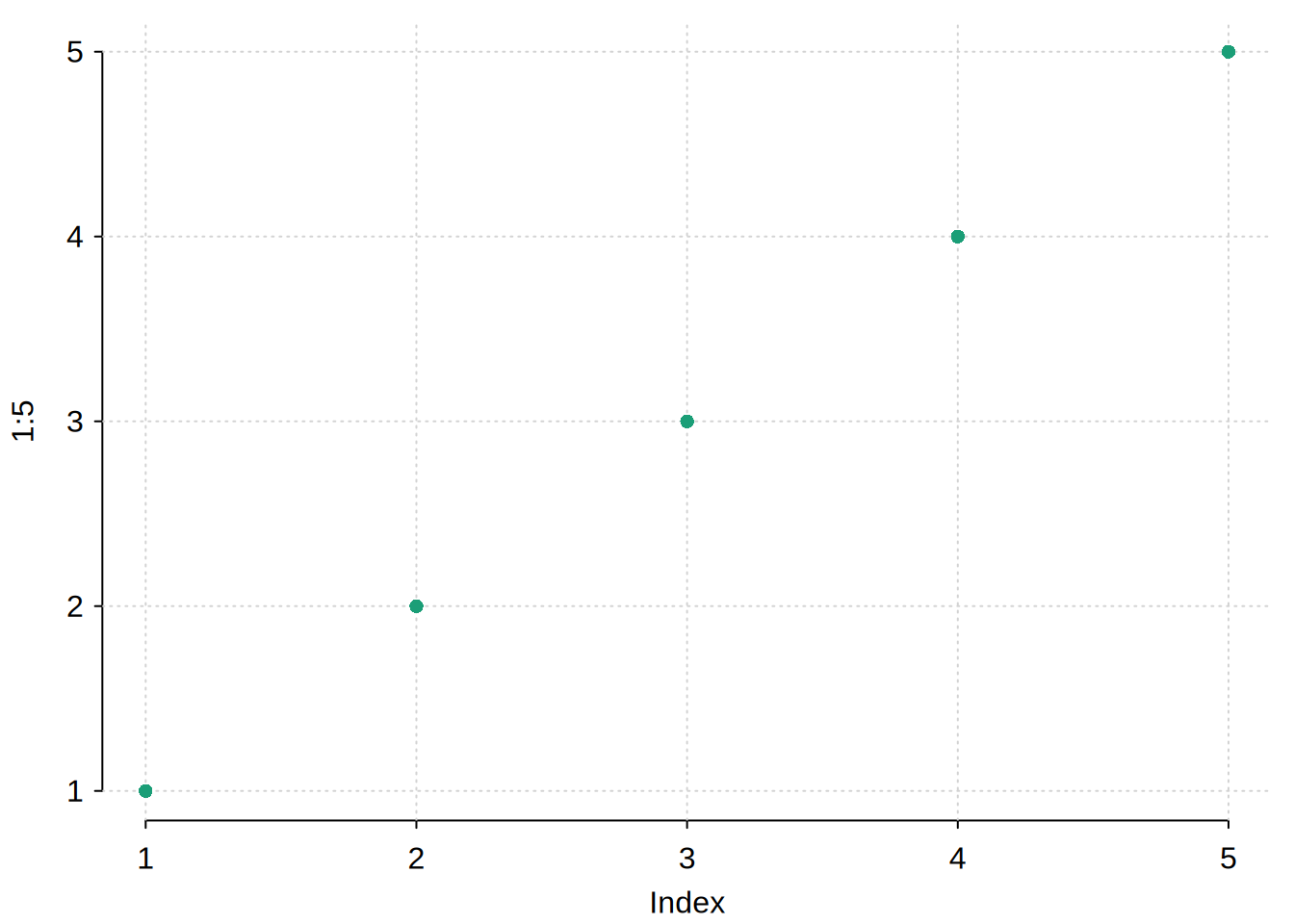
tinyplot(1:5, theme = "float2")

# List all themes
tinytheme_list()
$builtin
 [1] "default"    "basic"      "dynamic"    "clean"      "clean2"    
 [6] "bw"         "linedraw"   "classic"    "minimal"    "ipsum"     
[11] "ipsum2"     "dark"       "socviz"     "broadsheet" "nber"      
[16] "web"        "ridge"      "ridge2"     "tufte"      "float"     
[21] "void"      

$registered
[1] "float2"
# Unregister
tinytheme_unregister("float2")