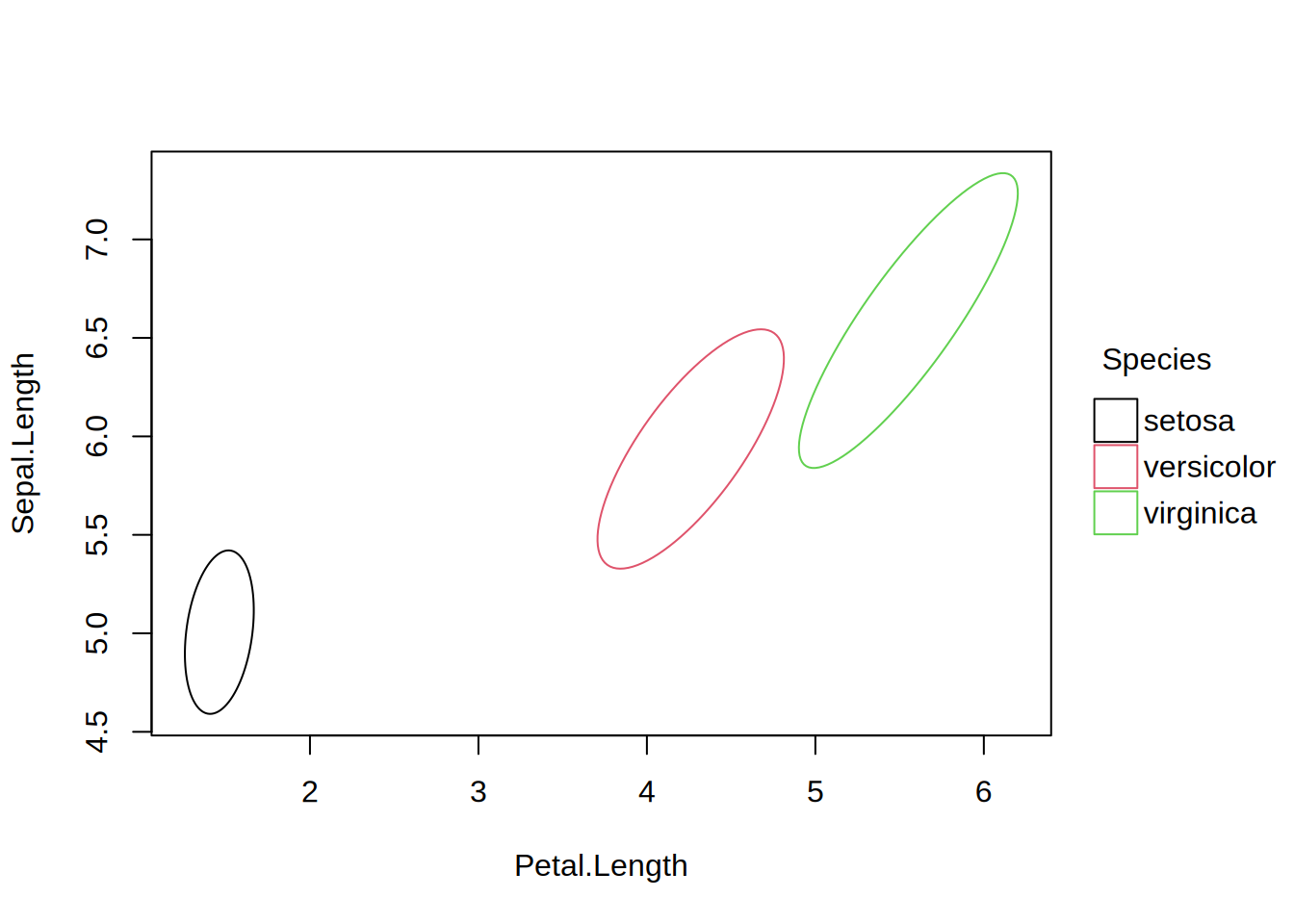
Confidence ellipse plot type

Description

Type function for drawing confidence ellipses around grouped points.

Usage

type_ellipse(level = 0.95, segments = 100, density = NULL, angle = 45)

Arguments

level Numeric confidence level for the ellipse. Default is 0.95.
segments Integer number of line segments used to approximate the ellipse. Default is 100.
density the density of shading lines, in lines per inch. The default value of NULL means that no shading lines are drawn. A zero value of density means no shading nor filling whereas negative values and NA suppress shading (and so allow color filling).
angle the slope of shading lines, given as an angle in degrees (counter-clockwise).

Details

A confidence ellipse summarizes the spread and correlation of two variables: its axes align with the principal directions of variation, their lengths reflect the standard deviations along those directions, and the overall size is scaled so that (assuming bivariate normality) the specified proportion of observations falls within the boundary.

Operationally, the ellipse is computed from the covariance matrix (cov) of each group via eigendecomposition (eigen), scaled by a chi-squared quantile (qchisq) for the specified confidence level. Groups with fewer than 3 points are silently dropped.

Examples

library("tinyplot")

# "ellipse" type convenience character string
tinyplot(Sepal.Length ~ Petal.Length | Species, data = iris, type = "ellipse")
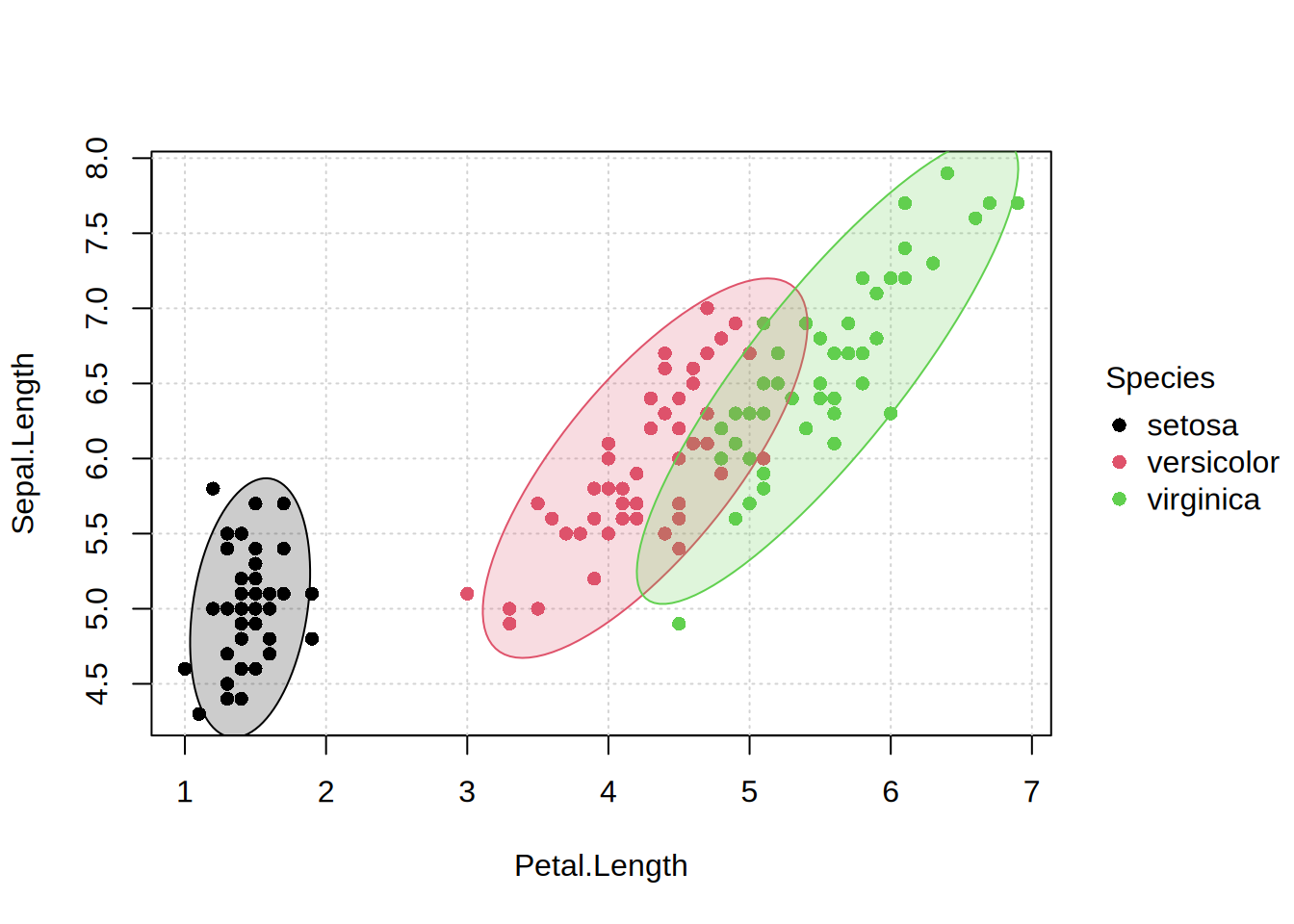
# layer filled ellipse(s) on top of points
tinyplot(Sepal.Length ~ Petal.Length | Species, data = iris, theme = "basic")
tinyplot_add(type = "ellipse", fill = 0.2)
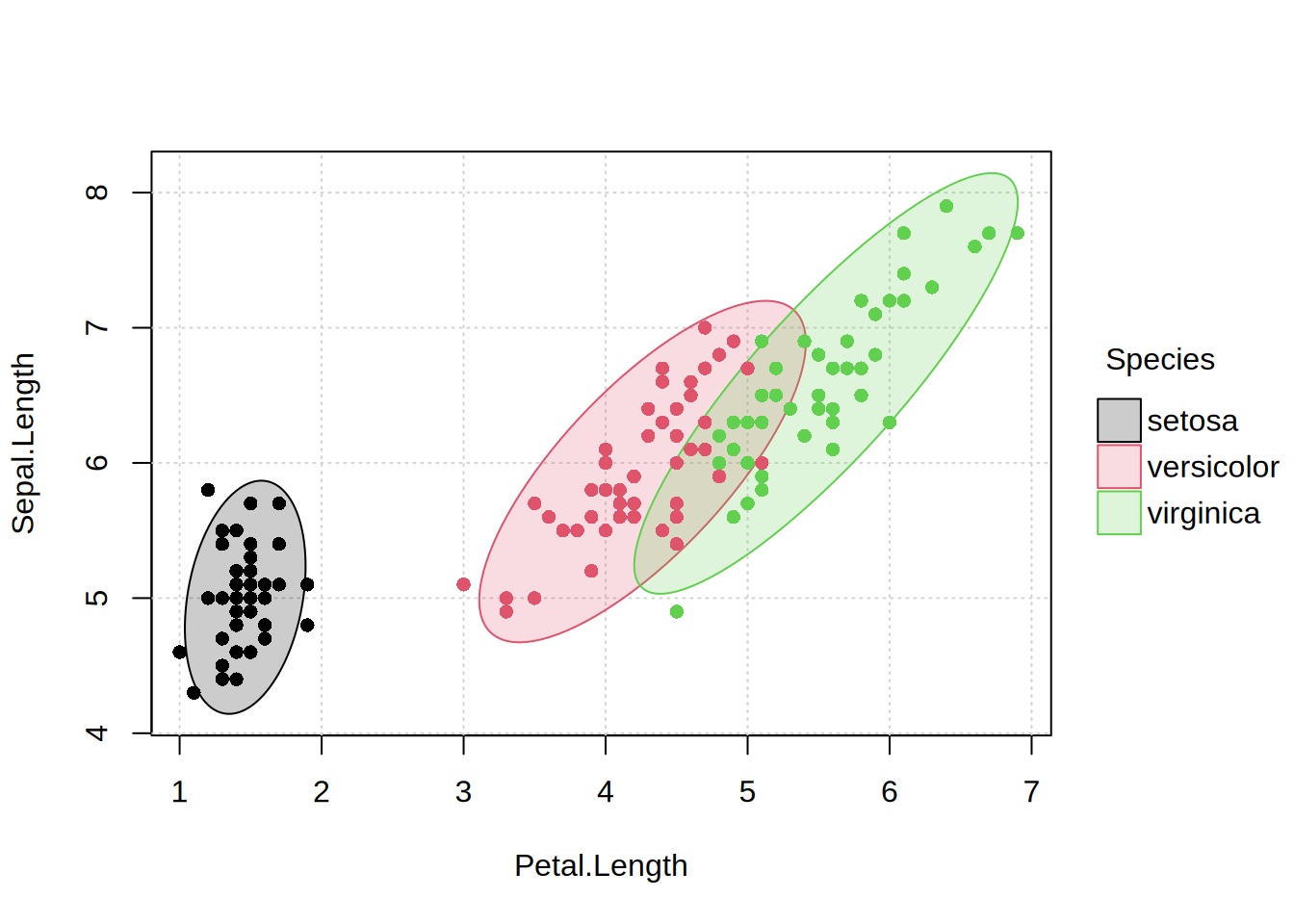
# to avoid clipping, it's better to reverse the layering (ellipse first)
tinyplot(Sepal.Length ~ Petal.Length | Species, data = iris, theme = "basic",
         type = "ellipse", fill = 0.2)
tinyplot_add(type = "p")
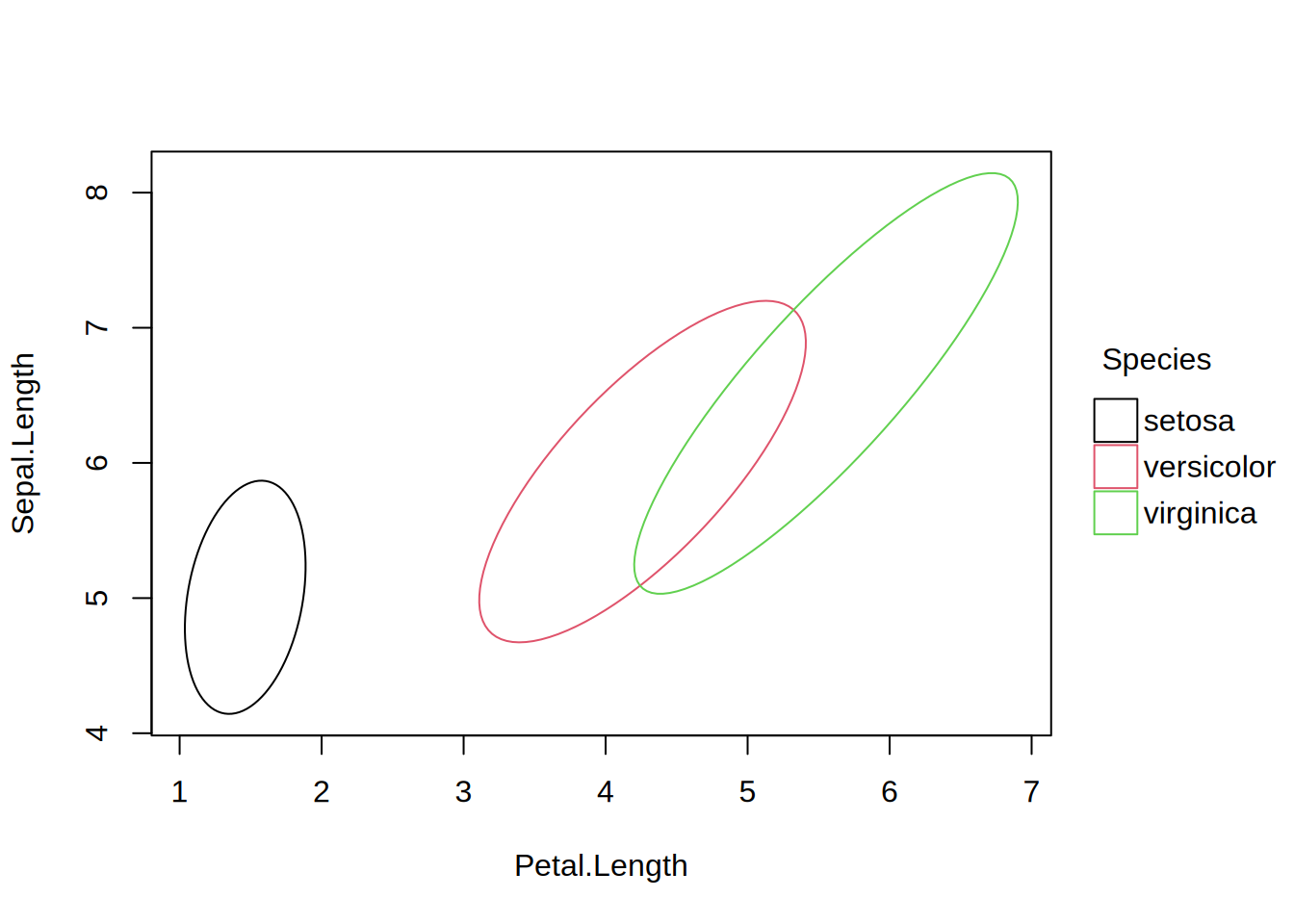
# custom confidence level
tinyplot(Sepal.Length ~ Petal.Length | Species, data = iris,
  type = type_ellipse(level = 0.5))