dodge
|
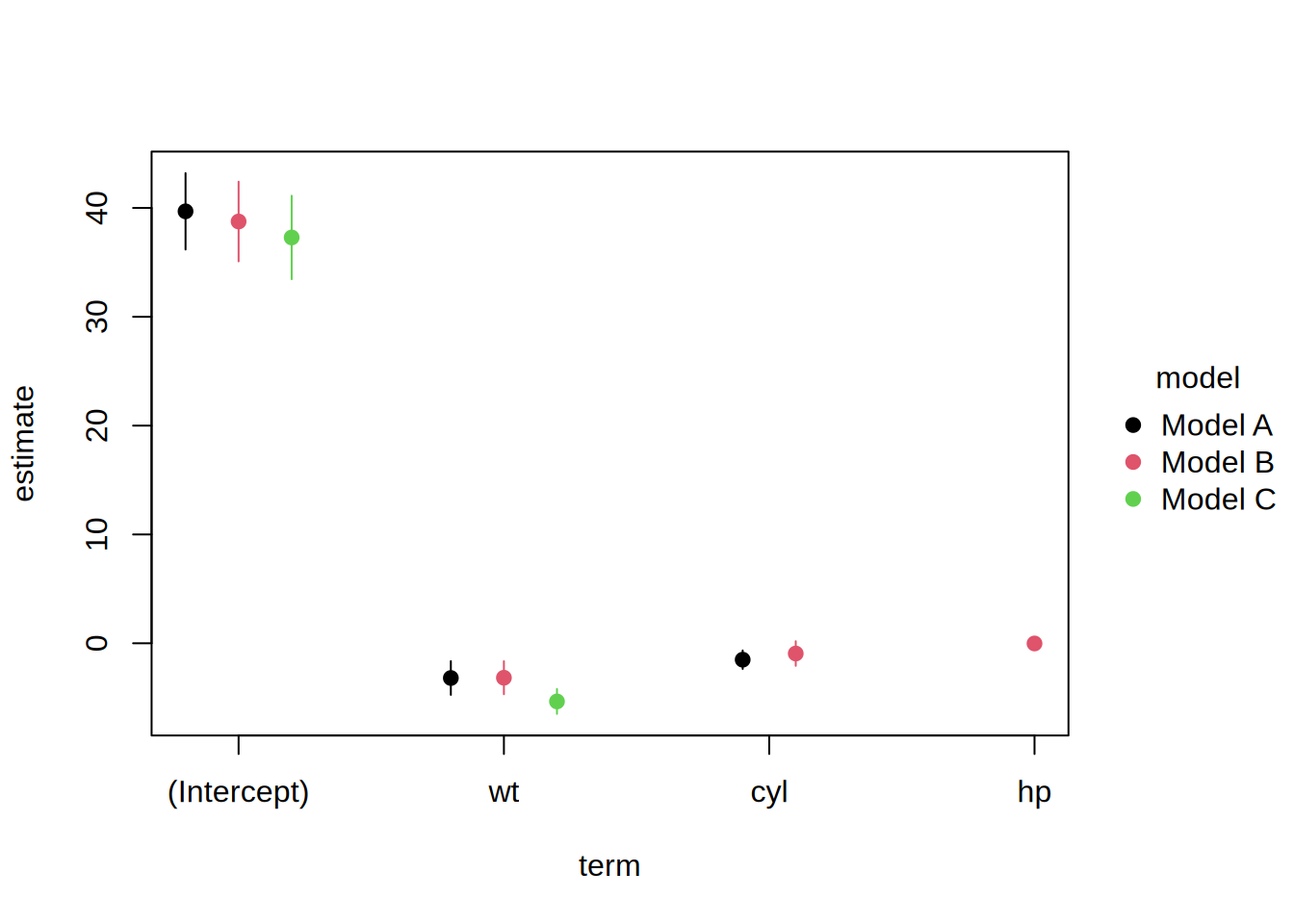
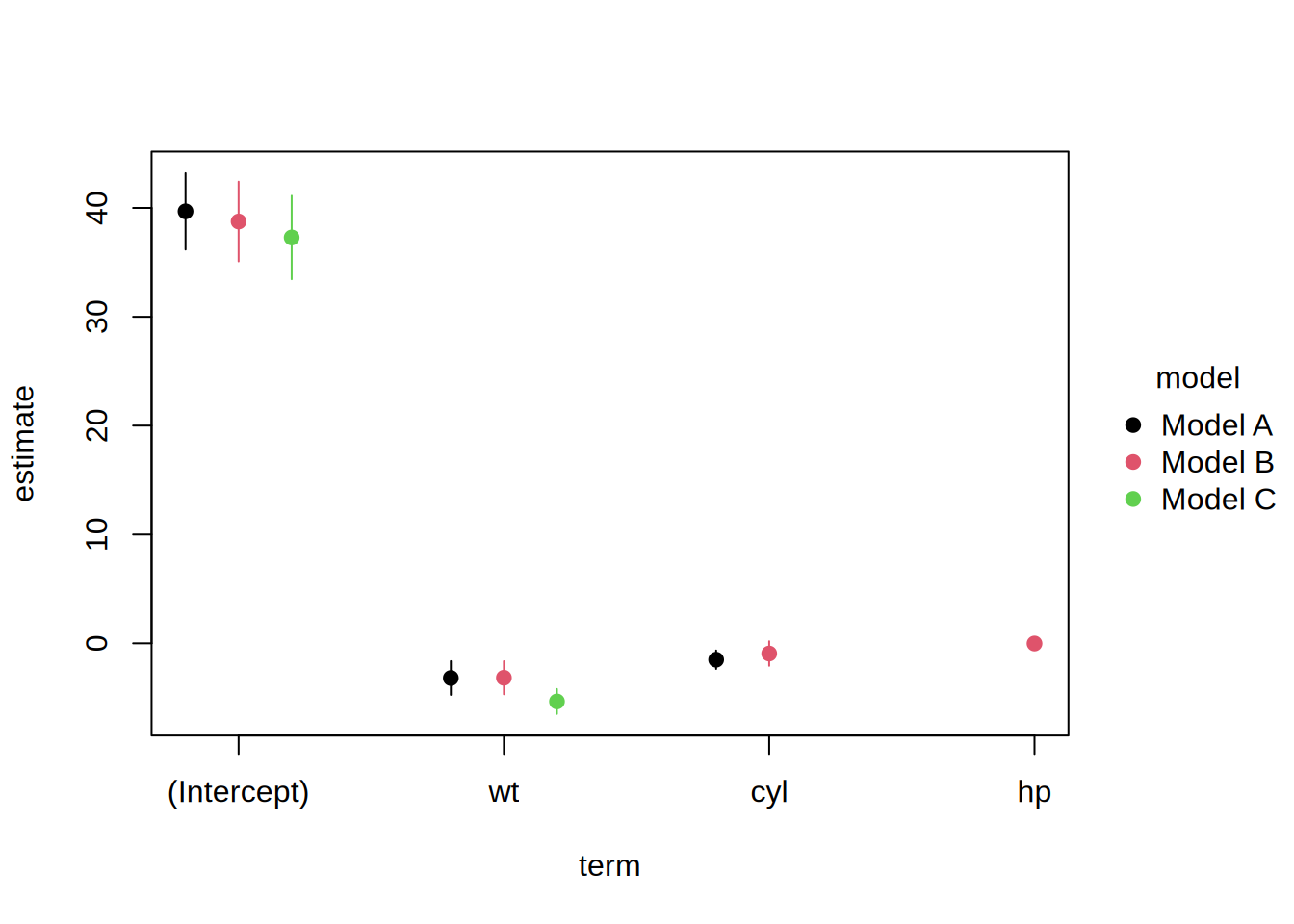
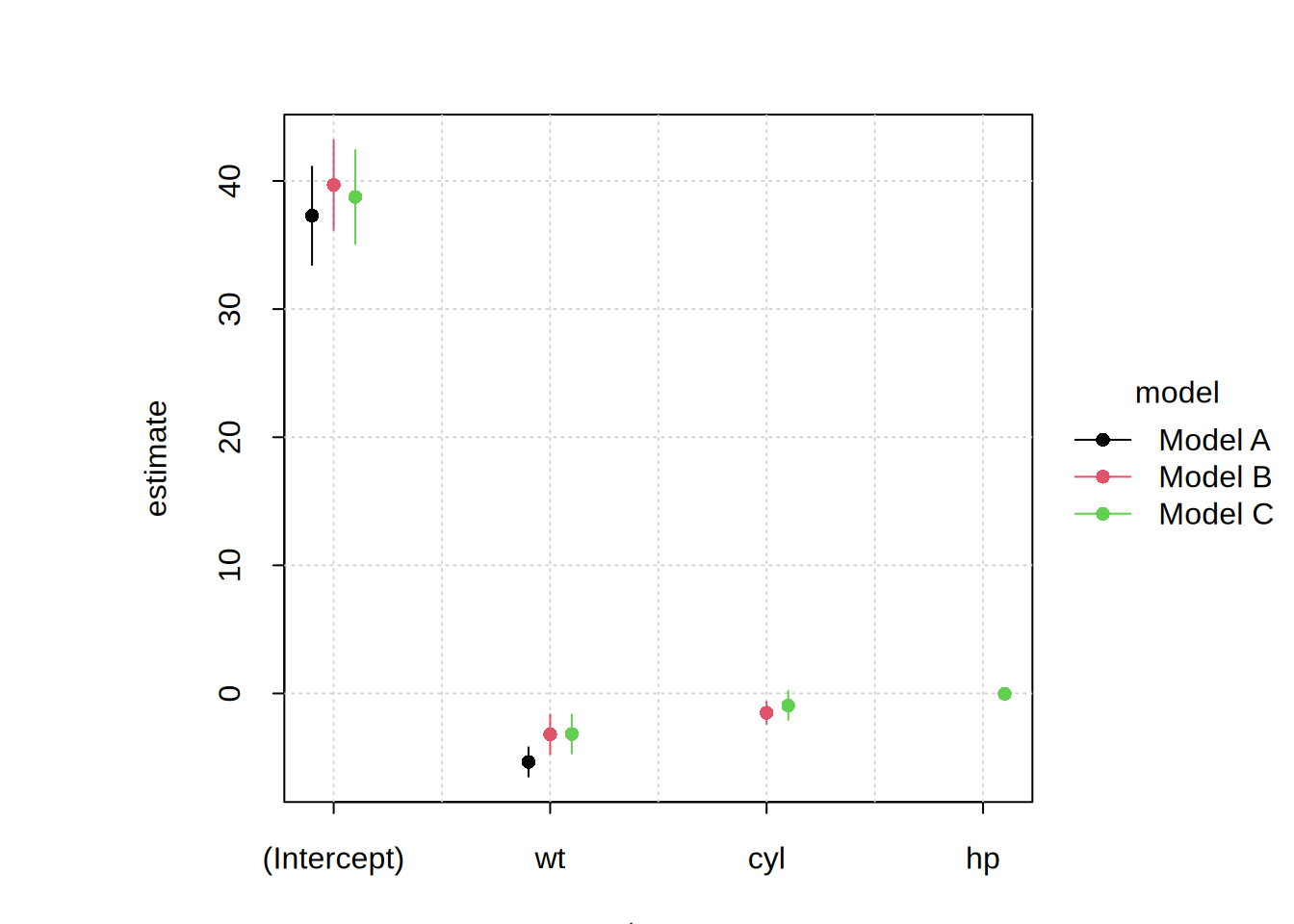
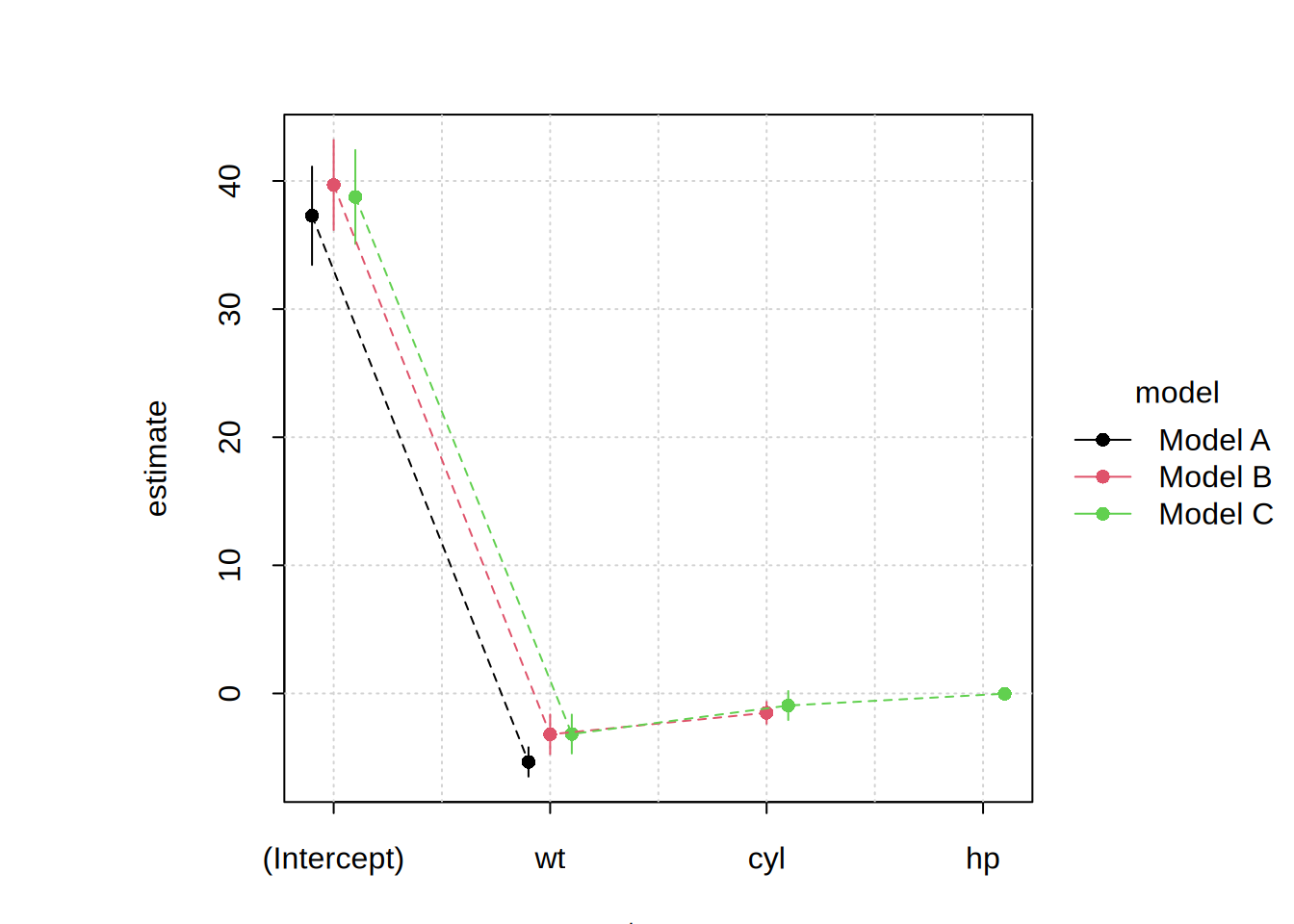
Adjustment parameter for dodging overlapping points or ranges in grouped plots along the x-axis (or y-axis for flipped plots). Either:
-
numeric value in the range [0,1). Note that values are scaled relative to the spacing of x-axis breaks, e.g. dodge = 0.1 places the outermost groups one-tenth of the way to adjacent breaks, dodge = 0.5 places them midway between breaks, etc. Values < 0.5 are recommended.
-
logical. If TRUE, the dodge width is calculated automatically based on the number of groups (0.1 per group for 2-4 groups, 0.45 for 5+ groups). If FALSE or 0, no dodging is performed.
Default value is 0 (no dodging). While we do not check, it is strongly recommended that dodging only be used in cases where the x-axis comprises a limited number of discrete breaks.
|
fixed.dodge
|
Logical. If FALSE (default), dodge positions are calculated independently for each x value, based only on the groups present at that position. If TRUE, dodge positions are based on all groups, ensuring "fixed" spacing across x-axis breaks (i.e., even if some groups are missing for a particular x value).
|
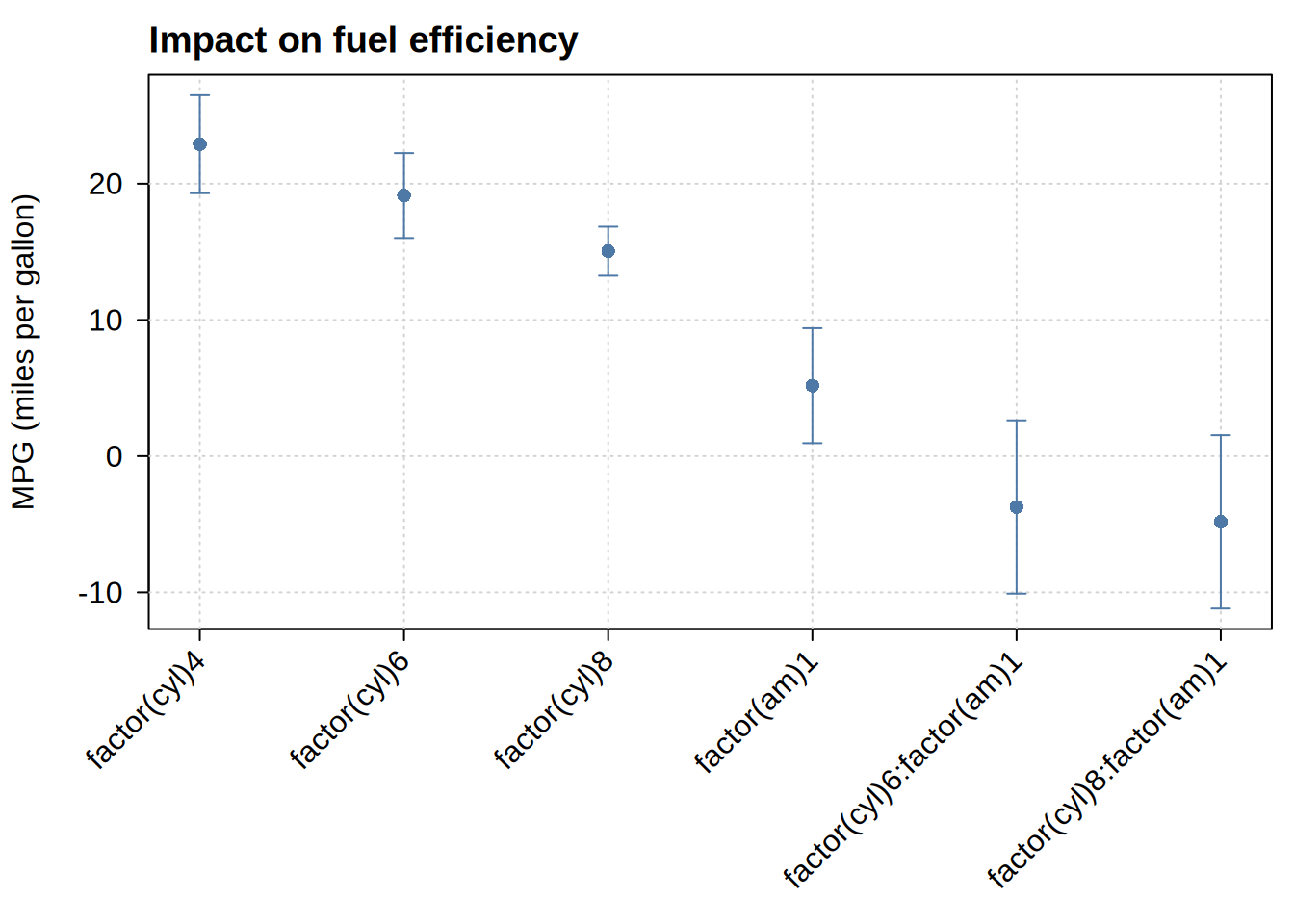
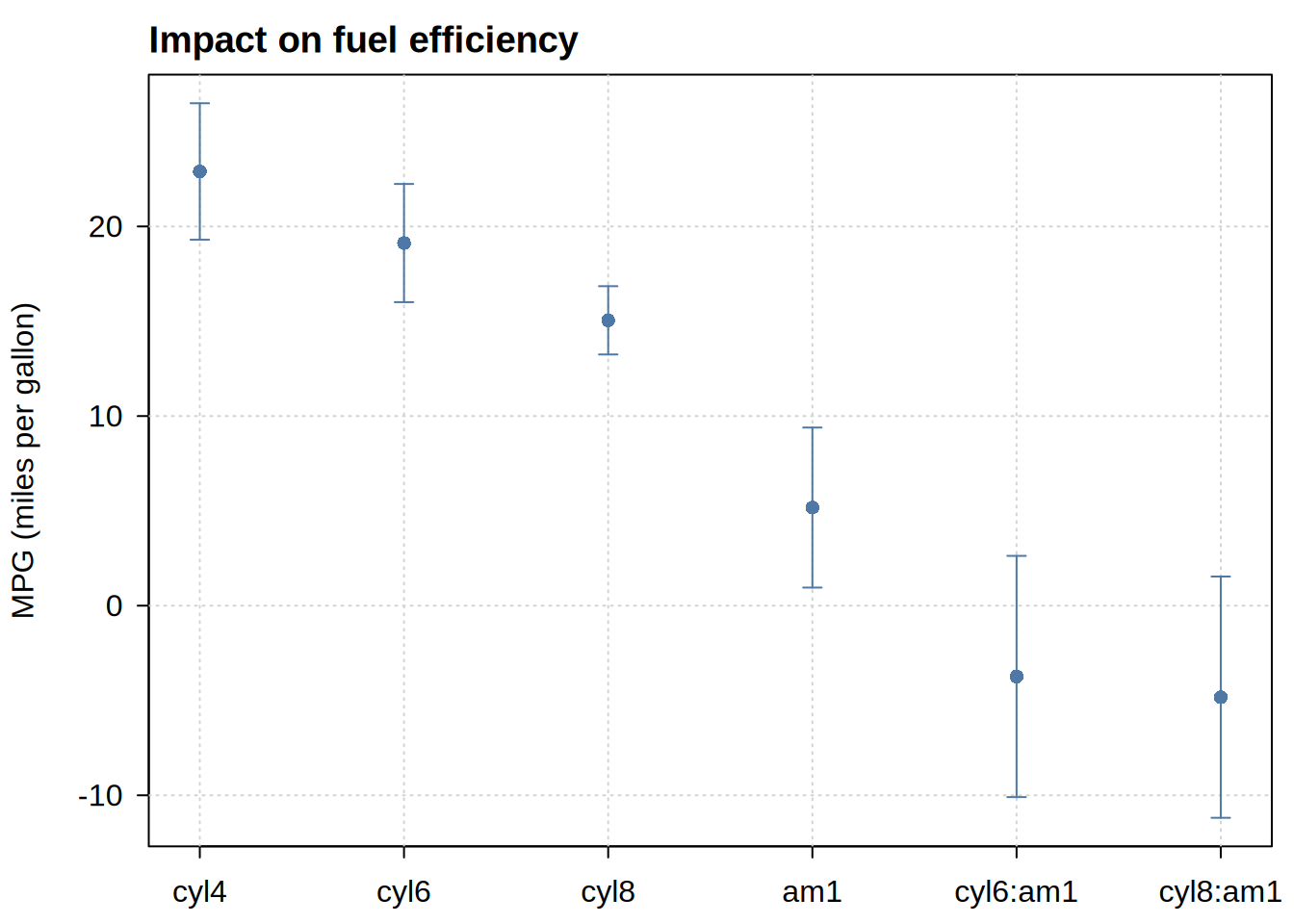
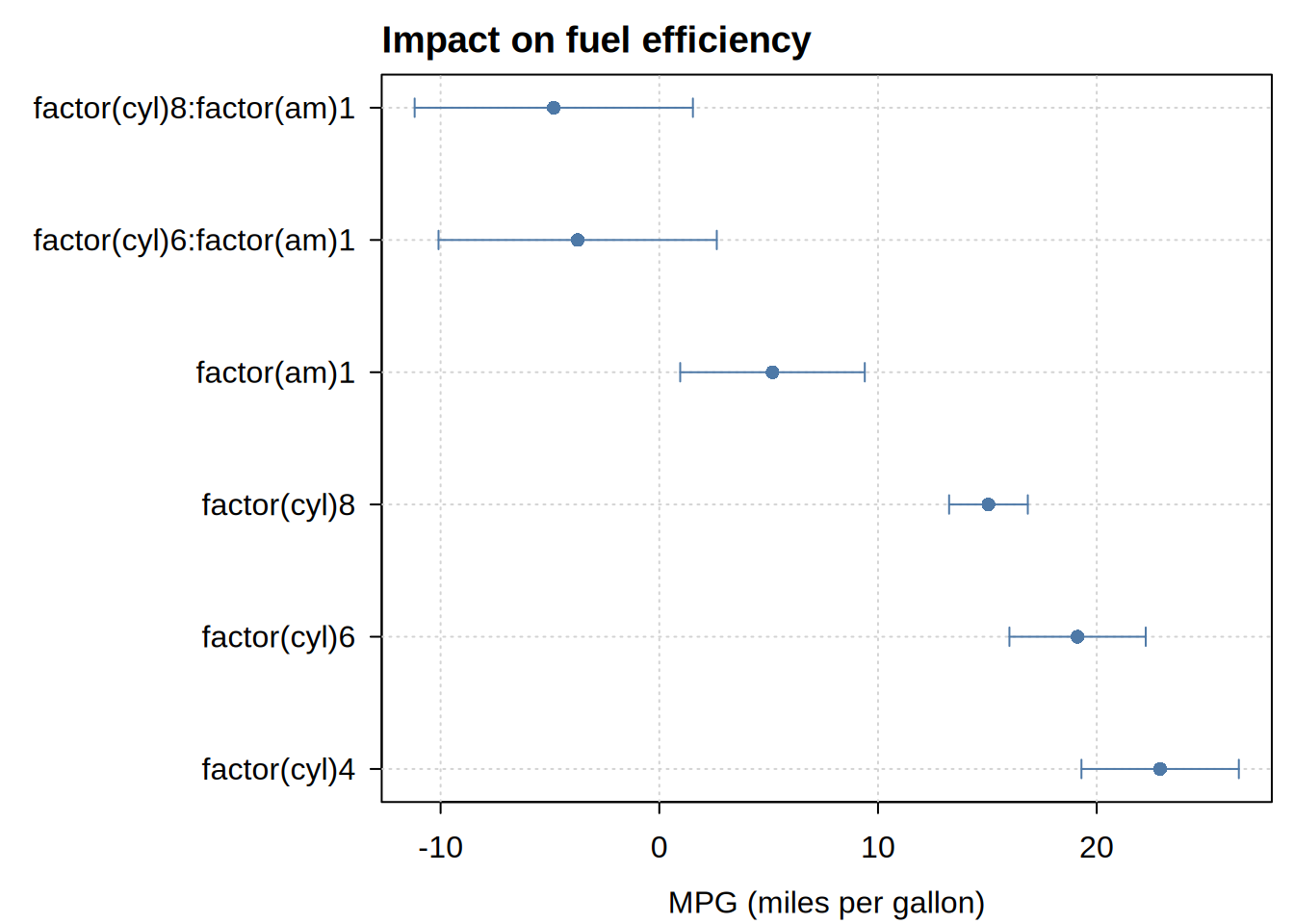
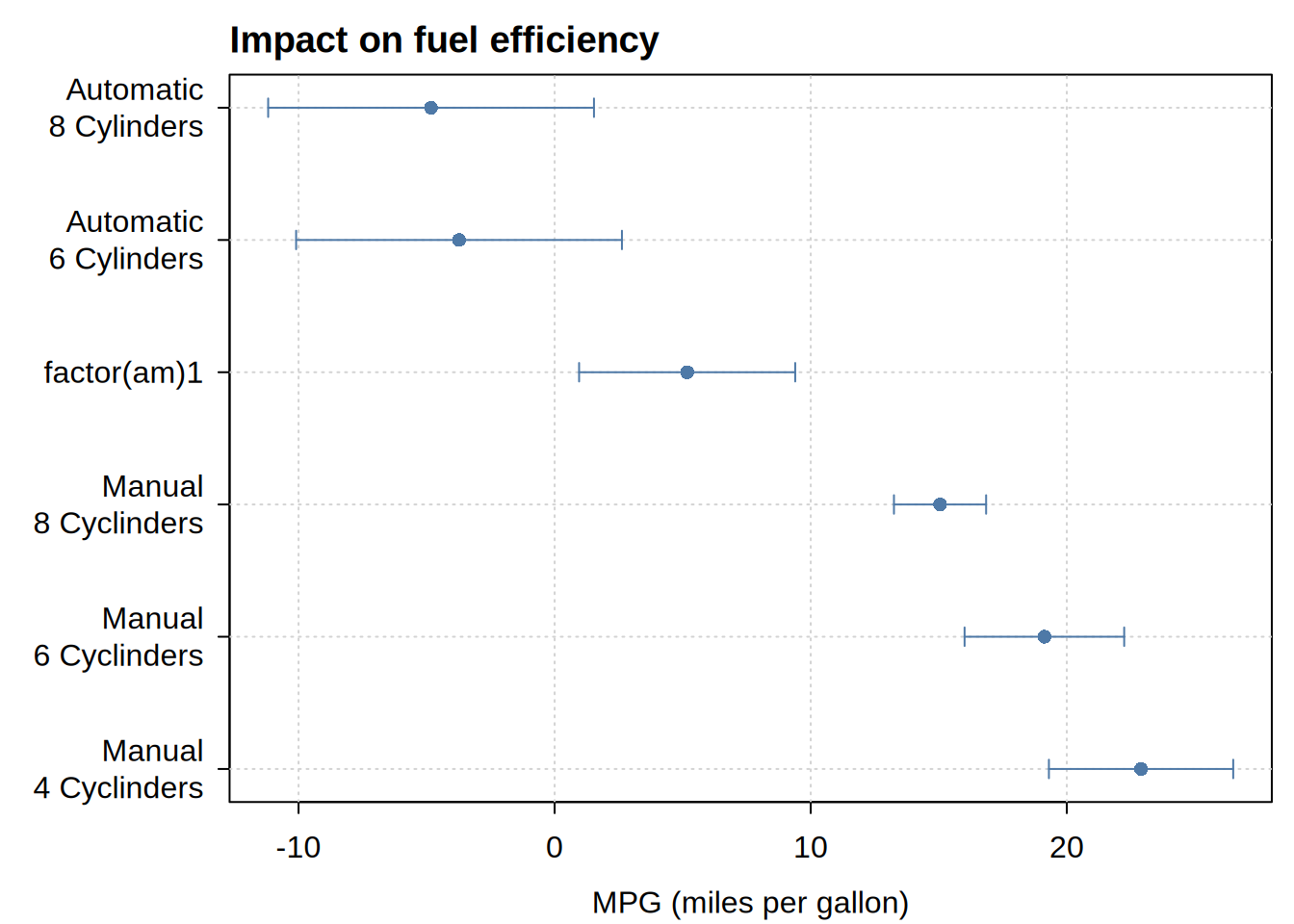
xlevels, xord
|
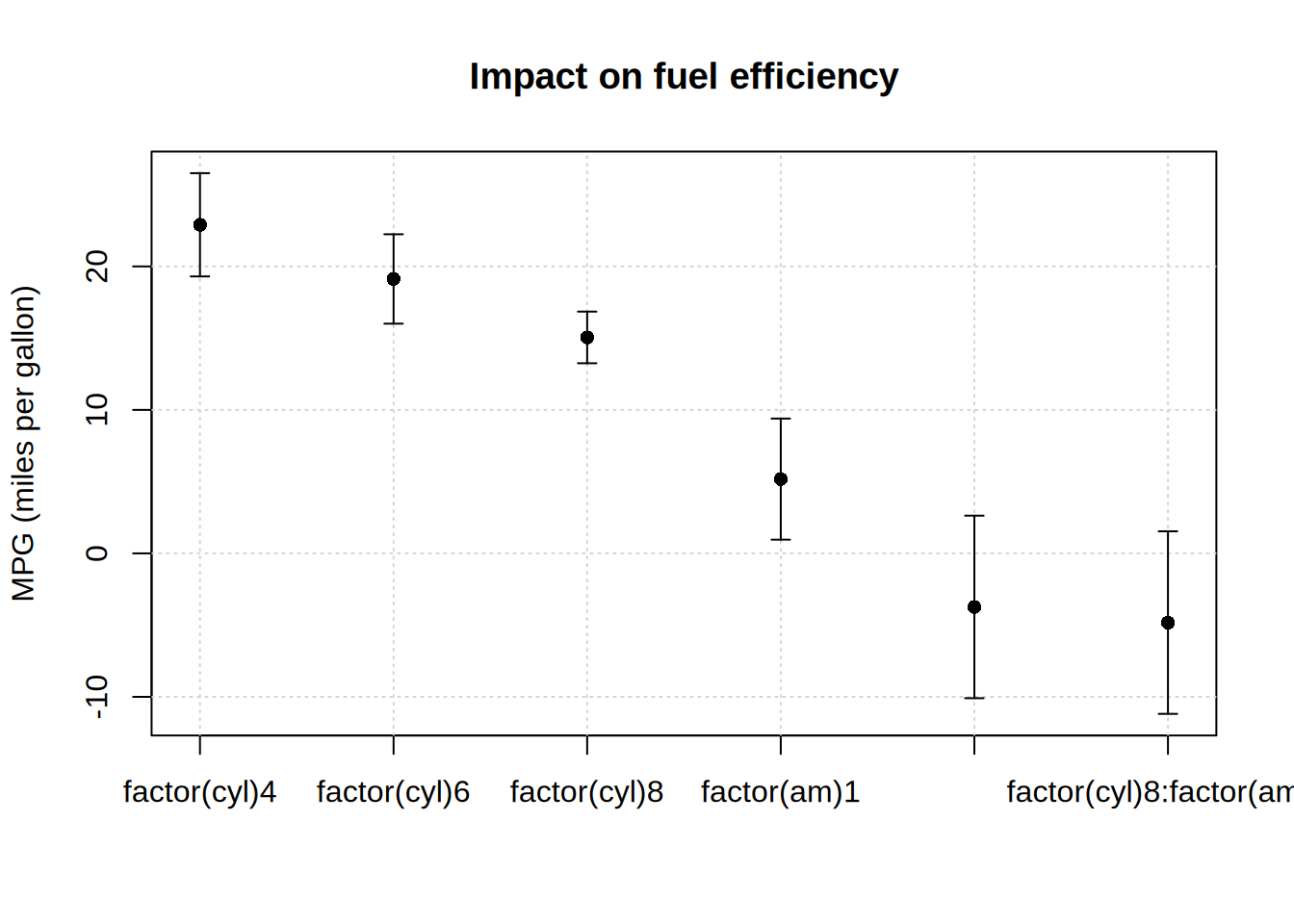
arguments controlling the order of the x variable, and hence of the x-axis. Supply one or the other; if both arguments are provided, xlevels takes precedence and xord is silently ignored.
-
xlevels specifies the levels literally, either a character vector of level names in the desired order (e.g., c(“C”, “B”, “A”)), or a numeric vector of the corresponding level indexes (e.g. 3:1).
-
xord instead accepts a keyword or custom function, which then derives the order from the data. Options are:
-
“desc” and “asc” rank the categories by their mean y value, largest or smallest first. (Long forms like “descending” and “increasing” are also accepted.)
-
“minvar” ranks them by variance, lowest first. This needs more than one observation per category, so it does not apply to the usual one-row-per-term coefficient table.
-
“asis” or “rev” permute the existing levels without consulting the data at all. The former takes the categories in the order that they appear in the data, while the latter reverses the current level order.
-
a custom function that determines both the ranking statistic and its direction. The statistic is always sorted ascending, so function(y) -median(y) ranks by median, largest first.
Note that x is only reordered when it is categorical (i.e., factor or character). A numeric x is plotted at its own values and cannot be reordered, so supplying either argument there is ignored with a warning.
Unlike most other plot types, xord defaults to “asis” here rather than NULL: these types are typically used for coefficient plots, where the row order of the data (e.g., the terms of a model) is usually intentional. Set xord = NULL to follow the factor levels instead, matching the other types.
|